Monitoring: actuals against the plan
The month’s trial balance, actuals against the plan: Fiplan sets your client’s trial balance against the plan and estimates where the year will end.
Updated on
What the module delivers
Import your client’s trial balance: Fiplan sets it against the plan and estimates where the year will land. From it come the estimated tax, the recommended advance payments (for a calendar financial year with quarterly payments) and a monitoring report in PDF and Excel.
The five steps
- Trial balance — what are the actuals?
- Checks — is the trial balance right?
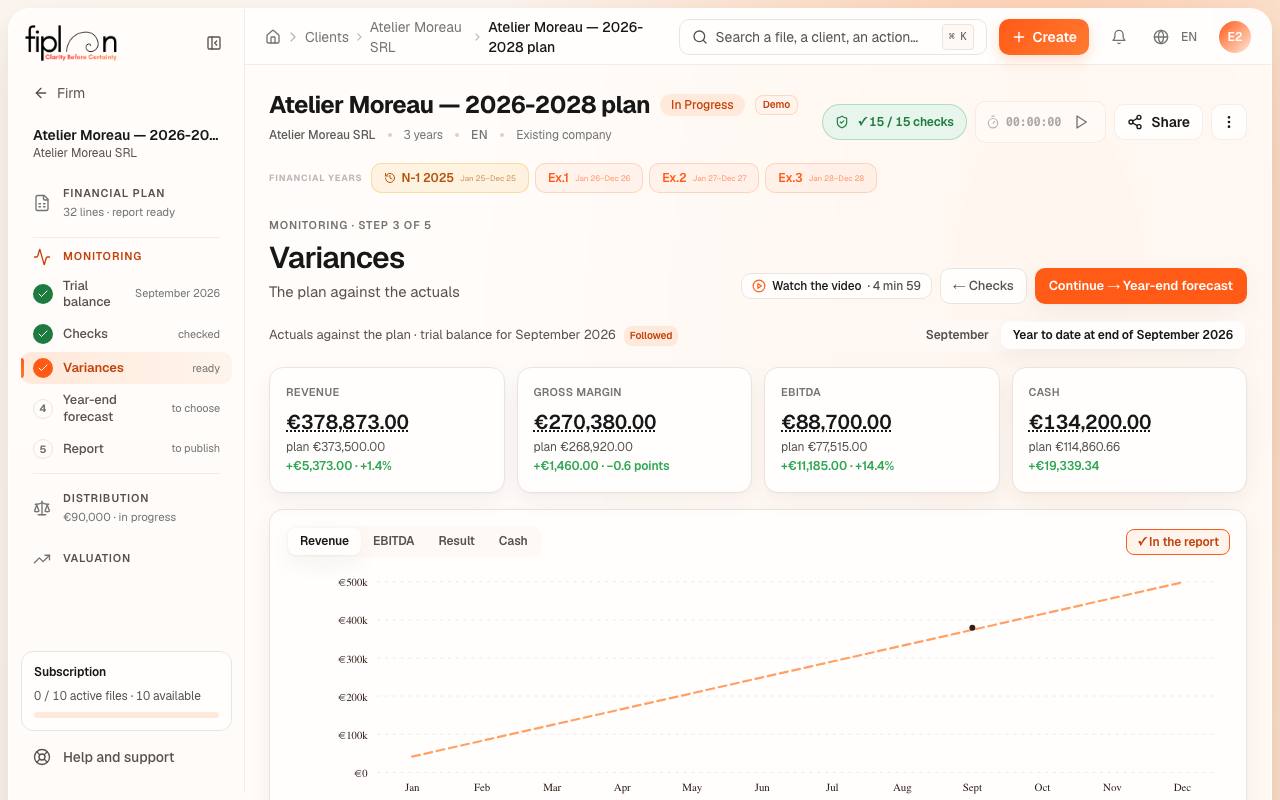
- Variances — the plan against the actuals
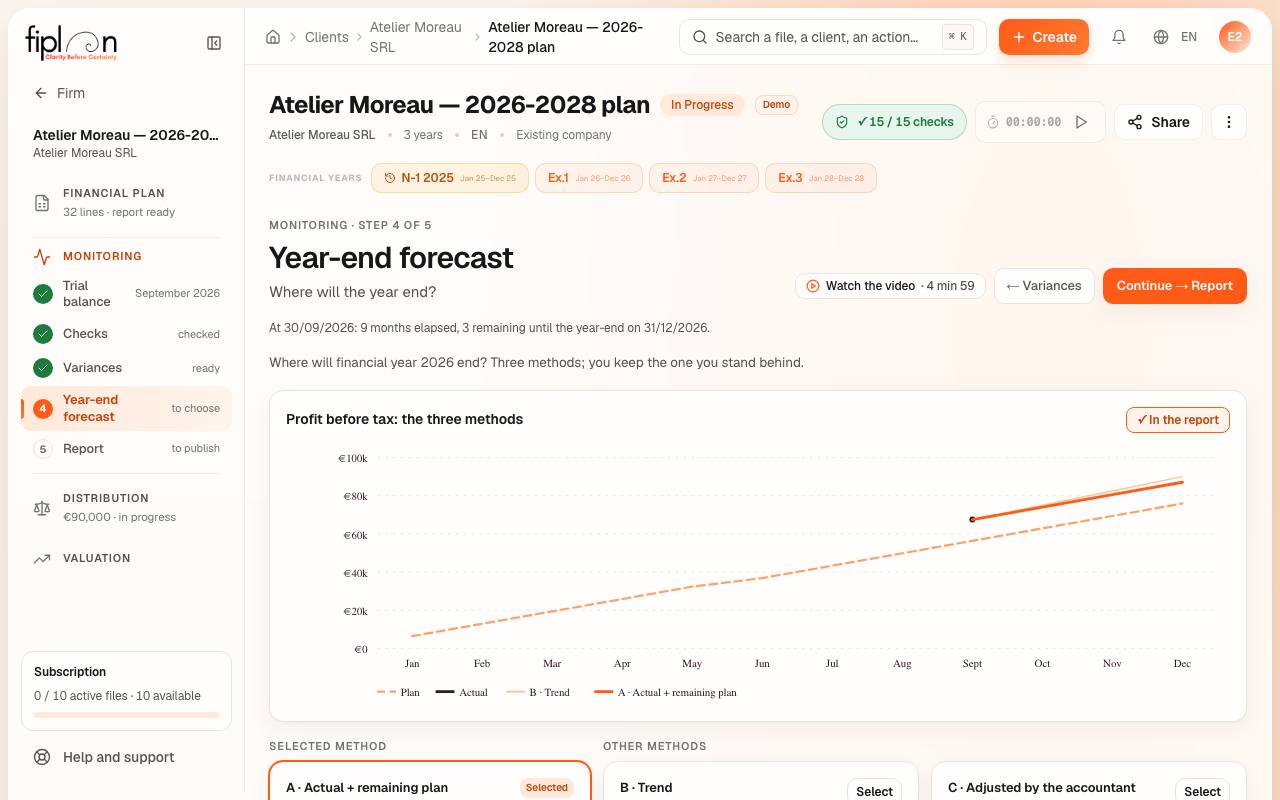
- Year-end forecast — where will the year end?
- Report — what is handed over?
What the module produces
- The monitoring report, in PDF and in Excel.
- The documents in French, Dutch and English.
- In the client space: the latest published monitoring.
What sets it apart
- The trial balance exported from your accounting software, in Excel, CSV or text: Fiplan recognises the columns, in French, Dutch or English.
- Variances explained: each amount gives back its detail, account by account (“Where does this amount come from”).
- The year-end forecast, and the tax that follows from it.
- The plan’s journal on the PCMN, set against the actual balances.
On screen
Frequently asked questions
Which files can I import?
A trial balance exported in Excel (.xlsx), CSV or aligned text. An .xls file (Excel 97-2003) or XML is recognised, but must be exported again: the screen says how.
Does the advance payment recommendation apply to every financial year?
It is calculated for a calendar financial year with quarterly payments. For another financial year, or monthly payments, Fiplan does not calculate it and says so.
Does the client see the monitoring?
Yes, when you publish it: the latest published monitoring appears in their client space.