Financial plan: from the journal to the reports
The incorporation or development plan, from the journal on the PCMN to the reports the bank, the notary and the client expect.
Updated on
What the module delivers
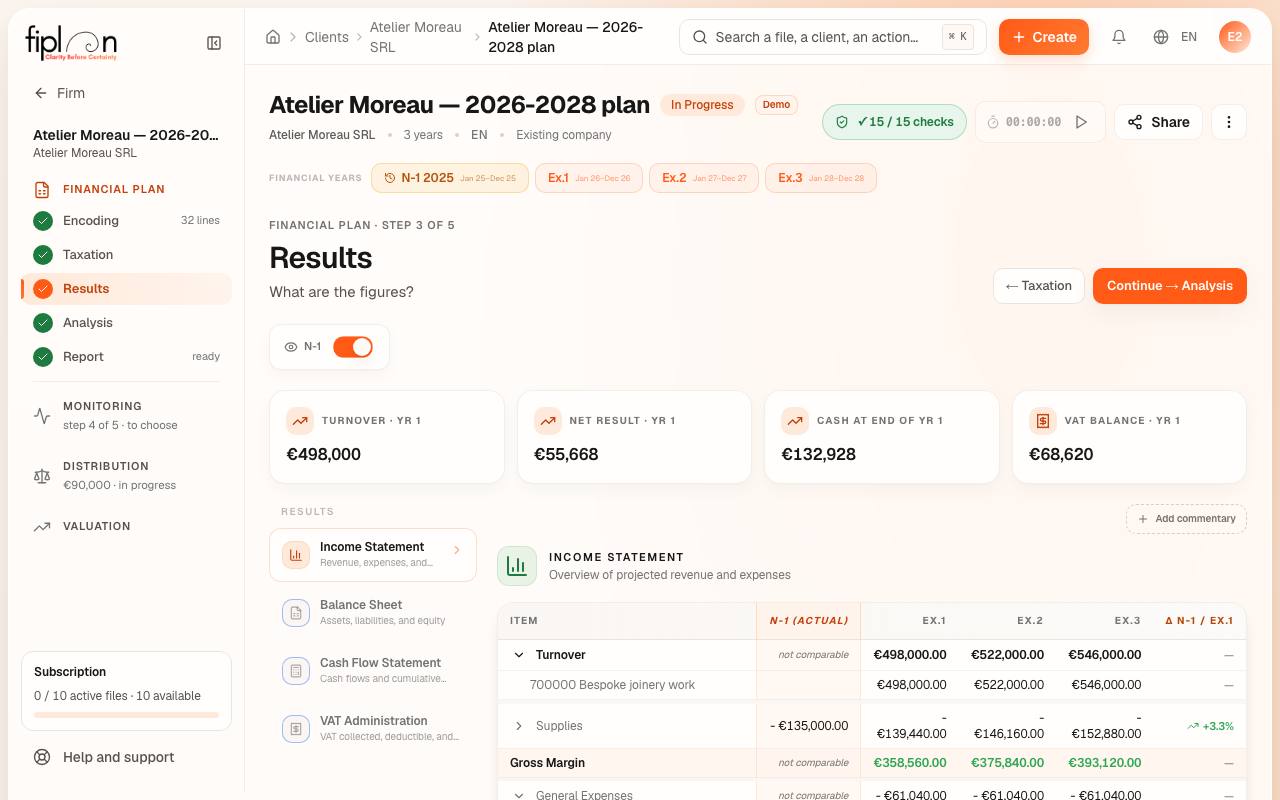
You describe the business as assumptions: revenue, staff, investments, financing, contributions. Fiplan writes the journal on the PCMN and derives the balance sheet, the income statement and the cash flow from it, year by year, then the reports for each reader.
The five steps
- Encoding — what does the company plan?
- Taxation — which tax, which VAT?
- Results — what are the figures?
- Analysis — what do they mean?
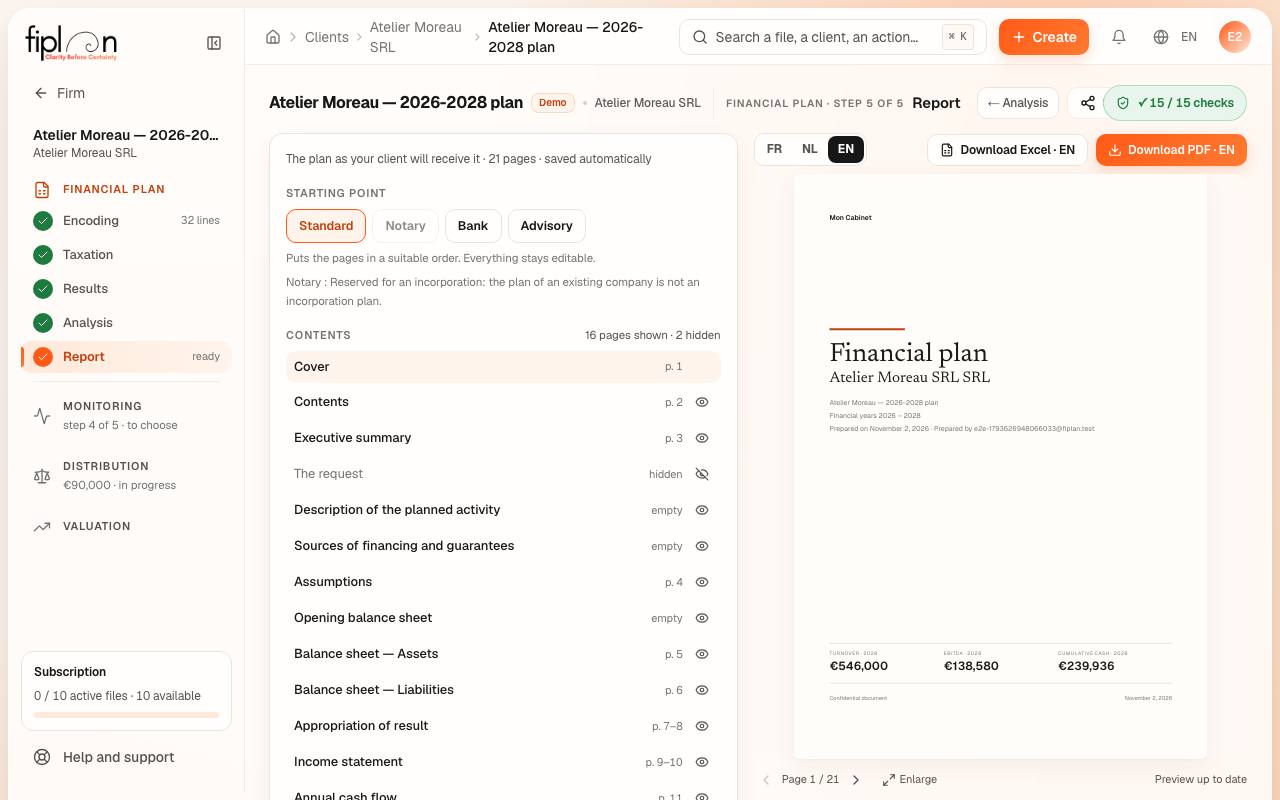
- Report — what is handed over?
What the module produces
- Four report models in PDF: Bank, Notary, Advisory and Standard, in the firm’s branding.
- An Excel workbook with live formulas, which gives back the screen’s amounts.
- The documents in French, Dutch and English.
- In the client space: the shared version of the plan, which the client can approve.
What sets it apart
- The journal on the PCMN behind the statements: the balance sheet, the income statement and the cash flow come from the same entries.
- The Notary report on the 7 points of the CNC, with its concordance table (art. 5:4 BCCA).
- The Bank and Advisory reports, each designed for its reader.
- Corporate income tax at the year’s rates, and advance payments.
- An Excel where every cell of the statements is a formula, not a pasted value.
On screen
Frequently asked questions
Is the plan suitable for incorporating a company?
Yes. The Notary model follows the headings of the financial plan required by article 5:4 of the Belgian Code of Companies and Associations: description of the business, sources of financing, projected balance sheets and income statements, cash budget and assumptions.
Does Fiplan handle existing companies?
Yes. You carry over the previous year’s balance sheet, and the plan starts from those balances. Retained earnings and reserves follow.
Can I edit the Excel?
Yes. The workbook contains real formulas and links between sheets. You can open it in Microsoft Excel or LibreOffice, complete it and send it on.
In which languages are the reports?
In French, Dutch or English: the language is chosen above the preview, for each file.