
Writing your plan
Figures do not tell the whole story: why this revenue, who the founders are, what the company's purpose is. Fiplan lets you write freely, everywhere, and places each text in the right spot of the PDF. Nothing is mandatory.
What it is for
Two places to write, the same editor everywhere:
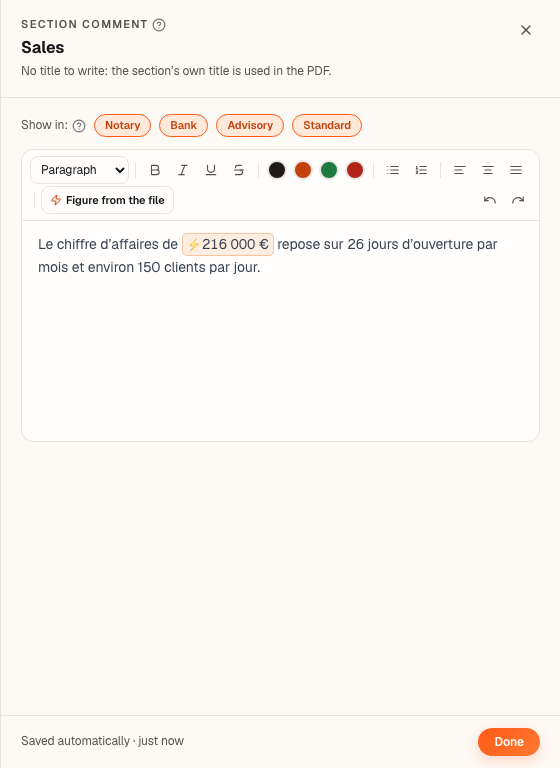
- a comment on every input screen — Revenue, Purchases, Staff, Investments, Loans… The Comment button opens a drawer on the right. No title to write: in the PDF, the text sits under the title of its section (“Sales” for revenue), before the table and the chart;
- free text pages, in Compose the report (setting ④ of the Report module): Executive summary, Company description, Corporate purpose or Blank page, placed wherever you like between the sections.
The mini-Word offers paragraph, heading and subheading, bold, italic, underline, strikethrough, the colours of the file's theme, bulleted and numbered lists, left, centred or justified alignment — and the Figure from the file button: it inserts a figure read from the engine, never copied by hand. If the plan changes, the PDF prints today's figure.
The steps
- On an input screen, click Comment and write. The text saves itself (Saved automatically); Done closes the drawer.
- Under Show in:, untick the templates where the text must not appear (Notary, Bank, Advisory, Standard).
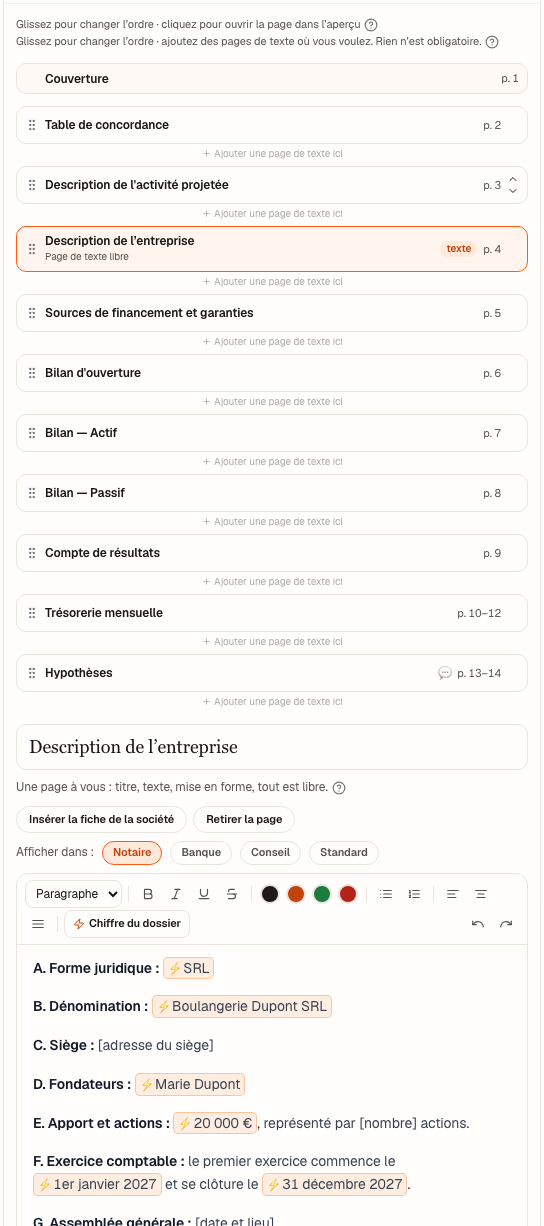
- In the Report module, setting ④ Compose the report is open when you arrive: the Cover, then the template's sections, in order, each with the page — or pages — it takes up in the PDF. Drag an item to move it, or use its Move up and Move down arrows.
- Click + Add a text page here between two sections and choose the kind of page. On a Company description page, Insert the company record writes the record A to H from the file; after that, it is your text.
- Click an item: the preview on the right opens at its page of the PDF. Remove the page removes a free page (after confirmation).
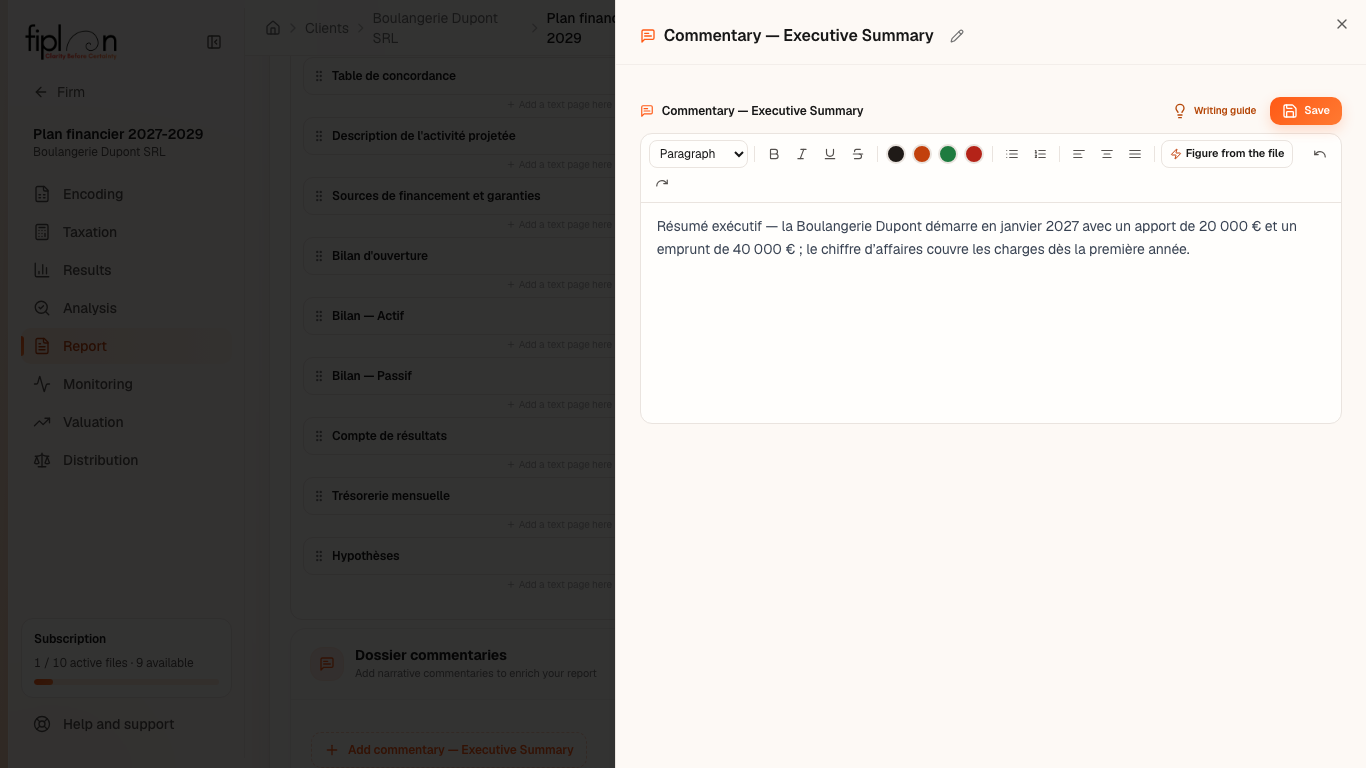
- The executive summary, tax assumptions, cash flow and conclusion are written in the Dossier commentaries panel, below the four settings (closed when you arrive), with the same mini-Word.
The worked example · Boulangerie Dupont SRL
On the Revenue screen, the comment “Revenue of ⚡ €216,000.00 relies on 26 opening days a month” quotes the 2027 revenue by reference. If the bakery revises its sales, the PDF prints the new figure; the text needs no correction.
The Company description page reuses what the file knows: the legal form (SRL), the name, the registered office, the start and the first closing date of the financial year, and — for an incorporation — the founders and their number of shares, entered in the “Contributions” card or in the file settings (the SRL issues shares: CAC, art. 5:41). What it does not know — the general meeting, the director — remains a prompt in brackets, to complete.
The pitfalls
What it changes
The source
Fiplan convention (document-rapport.ts, texte-riche.ts, chiffres-dossier.ts, composition.ts, pages-libres.ts, ComposerRapport.tsx, pages-reelles.ts): where comments go in the report, figures re-read from the engine, the order per template, the actual page of each item. The corporate purpose follows a drafting structure (“principally / and in particular / illustrative and not exhaustive”), without quoting any legal text.