
Roles and what they allow
Everyone sees the firm's files; not everyone can change them, or delete them. The roles share out these rights, and the database enforces them.
What it is for
| What the member can do | Owner | Administrator | Collaborator | Read only |
|---|---|---|---|---|
| View clients, files, reports; export a report | yes | yes | yes | yes |
| Create and edit clients and files, enter data, comment, set the tax settings, duplicate | yes | yes | yes | no |
| Monitoring: put into monitoring, import, follow a trial balance, withdraw it, accept a period-end entry, publish | yes | yes | yes | no |
| Valuation and distribution: enter the assumptions, set up a test, draw up a distribution report | yes | yes | yes | no |
| Client exchanges: write, send a reminder, close, move an exchange to the bin and restore it | yes | yes | yes | no |
| Invite a person from the client to their client space, revoke their access | yes | yes | no | no |
| Move a file to the bin, restore it, delete it permanently | yes | yes | no | no |
| Invite, change a role, remove a member | yes | yes, except the owner | no | no |
| Firm settings | edit | edit | view | view |
| Time spent | the whole firm | the whole firm | their own | their own |
| Export the firm's data | yes | no | no | no |
Steps
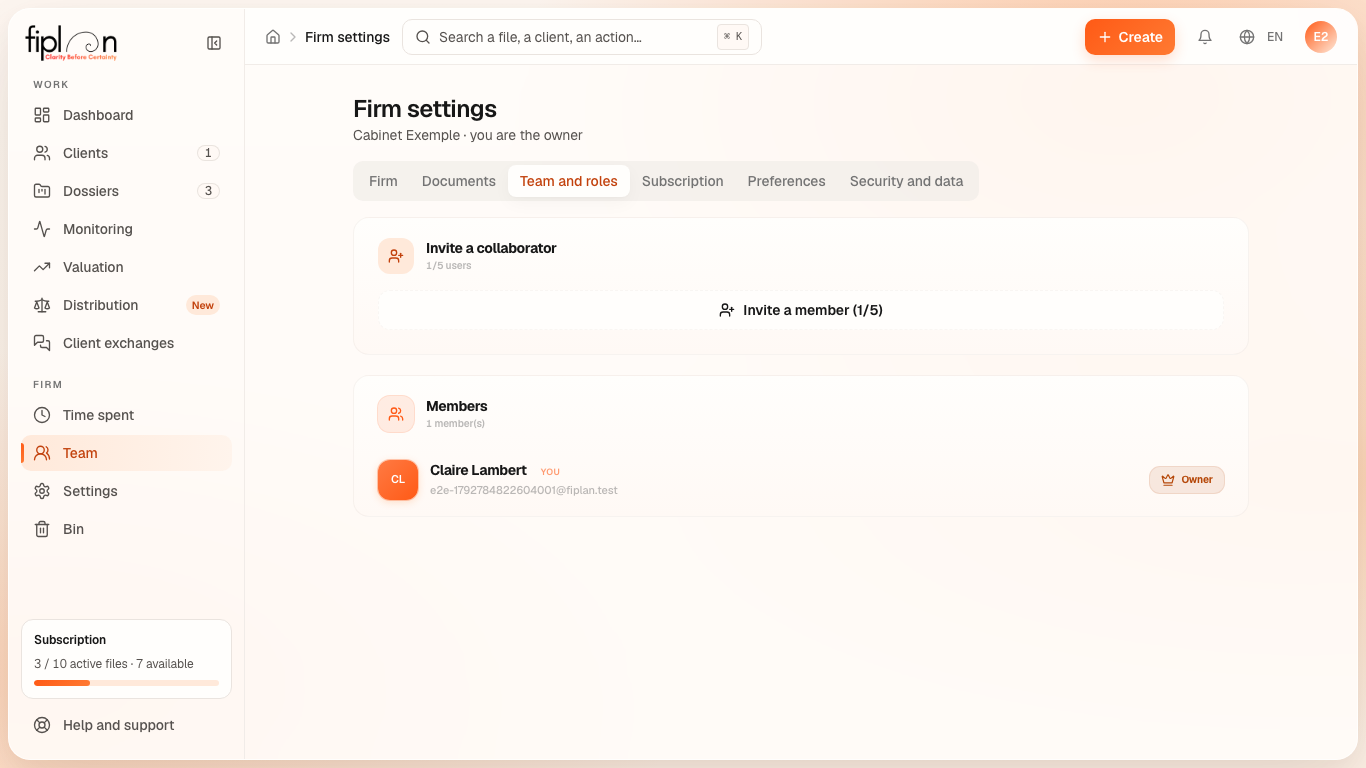
- Open Firm settings, Team and roles tab.
- In the list of members, change a member's role or remove the member.
Worked example · Boulangerie Dupont SRL
With a multi-user subscription plan, the bakery's financial plan can be entered by a collaborator and reviewed by another member with read-only access; the collaborator can also monitor its trial balances and draw up its distribution report. Only the owner or the administrator invites a person from the bakery to its client space and moves the file to the bin; only the owner exports the firm's data. During the trial, the firm has only 1 user: the owner.
Pitfalls
What it changes
Source
Fiplan convention (migration ui4fin_roles, the database's access policies, the functions of monitoring, the client space, exchanges and distribution; matrix proved role by role by audit-roles.mjs): the rights per role, applied by the database and not only by the screen.